Export a CSV from your bank
Download transactions from each account for the period you want to review.
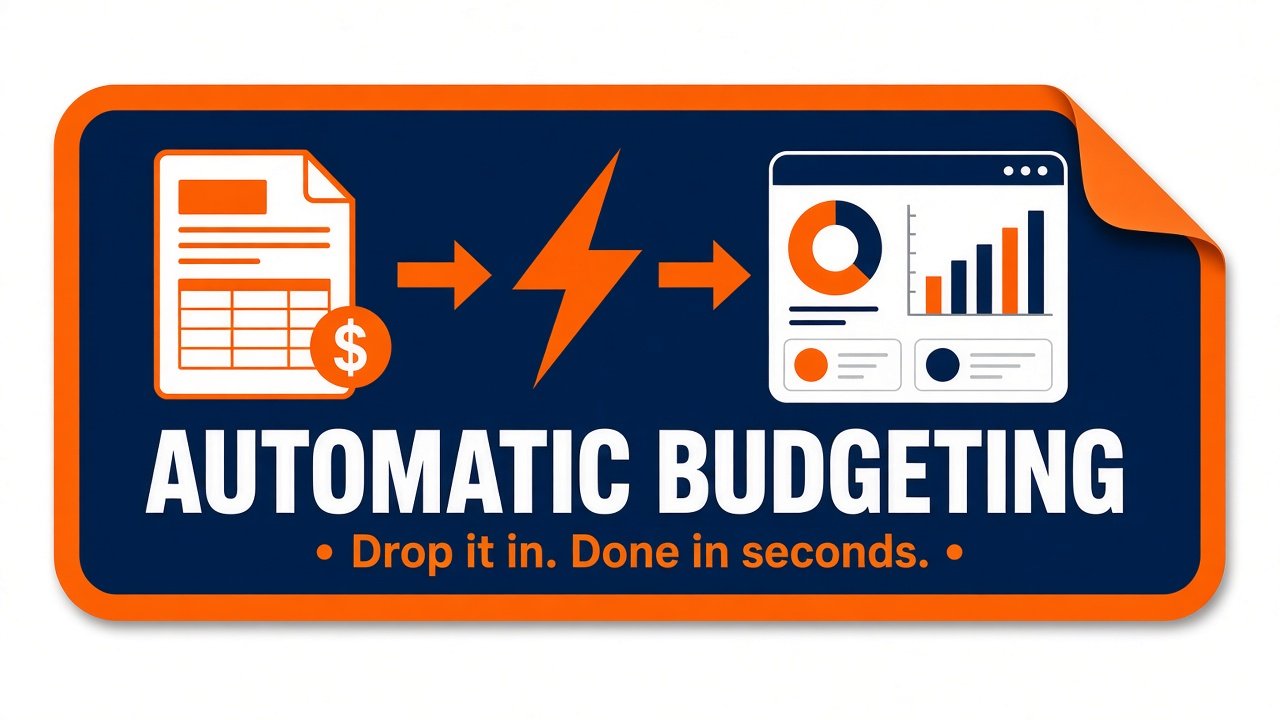
Free cost savings tracking tool for bank CSVs
Drop in CSV exports from all your accounts and get one clear picture of your income, spending and savings in seconds.
Download transactions from each account for the period you want to review.
Add multiple statements at once—checking, savings, credit cards, and more.
See income, spending, and savings with automatic categorization and filters.
Export CSVs from checking, savings, and credit cards, then drop them in together. Spendstat categorizes spending, shows income and what is left after expenses, and treats payments between your own accounts as transfers so they are not counted twice. Also called a spending analyzer—and a credit card spend analyzer when you include card CSVs.
Once your files are loaded, this cost savings tracking tool shows net savings, category totals, and budget vs actual from your own transaction data. Set a savings target and track progress toward it—personal tracking from your statements, not a separate bank login.
Read the spending analysis guide, or create an invoice from a CSV when you need billing alongside your budget overview.
Free Budget Analysis Tool
Use your statement files—add multiple bank statement CSVs at once, each account or card, for any period you choose. Spendstat combines them into one household overview of your total finances (income, expenses, and net cash flow) without double-counting transfers between your own accounts. Everything is processed locally on your device. Zero signup. Zero bank connections.
or click to browse — select every CSV for the period (checking, savings, credit cards, etc.)
Allowed and encouraged: use as many statement files as you need. You'll get one combined view of your total finances for that period. We also help spot transfers between your own accounts so money moved between accounts isn't counted twice.
Processed locally on your device — your statement file is not uploaded for analysis. Zero signup. Zero bank connections.
Select your saved keyfile to automatically categorize all matching transactions from your new bank statement. Your previous category mappings will be applied instantly, making future budgeting effortless!
Unlike Mint, YNAB, PocketSmith, and other budgeting apps that require bank account access, our CSV expense analyzer keeps everything local. Perfect for users seeking a budgeting tool without bank sync.
Estimated Payoff (Current Payment): —
Additional Monthly from Expenses: $0.00
Once-off Payment: $0.00
Standard payment is the minimum needed to clear the loan over the remaining term. What you actually pay can be higher if you already pay extra. Redirected expenses and once-off payments stack on top of your current payment.
Share feedback or request a feature for Spendstat. This sends only the message you type here—your bank statements stay on your device.
Disclaimer: This tool is for informational and educational purposes only. It does NOT constitute financial, investment, tax, or legal advice. The calculations, budget suggestions, and loan projections are illustrative only and should not be used as the sole basis for financial decisions. You should consult with qualified financial professionals before making any financial decisions. View full Terms of Service & Disclaimer.